
Volunteer at Trinity
At Trinity, we have a wide range of volunteer opportunities, whether you’re interested in serving our church family, or the Greater Fort Wayne community, we have a place–and a need–for your unique gifts.

Realm
At Trinity English Lutheran Church, we use an app called Realm to post volunteer opportunities, record sign ups, display events, and more.


The Realm Connect app is available in the App Store for iPhone or Google Play for Android.
What is Realm?
REALM is our online, database-driven ministry tool designed for real-time connection and communication. It helps Trinity English Lutheran Church connect with you directly, and vice versa. REALM allows you to manage your personal/profile information, set privacy settings, register for events, keep track of giving, and keep in touch with the groups that matter to you.
Getting Started
Access Realm Online or Download the App
Stay connected to Trinity wherever you go by visiting the REALM website from your computer, or downloading the free REALM Connect app, available for both iPhone and Android devices. Use it to communicate and RSVP to your group events, manage giving, update profile information and more.
Create a Realm Account
Open the app on your phone or browser. When you click on the “Create Realm Account” link in the email, you will be directed to a webpage to setup your account. In Realm the username is your email address. If you share an email address with someone, you will have to share a Realm account, or create a separate email address.
Create a Password
You will need to create a password. It must be at least eight characters and have a mix of upper and lower-case letters and numbers or symbols. If your password is acceptable, you’ll see a small green check to the right of what you typed. If not, you’ll see a red marker. When you have set your password, click on the blue “Create Realm Account”. This will put you into Realm and you will be directed to the “News” page. See NEWS below to learn more about navigating in Realm.
Personalize Your Profile
Everyone in our church gets a unique profile. Your profile contains everything you want people to know about you. Your profile also enables you to join a small group, RSVP to events, track your giving, update your contact information, change family details, set notification preferences, or replace that outdated family photo.
Optional Details
By keeping your information current, you are helping our staff, group leaders, and our church community. Your Profile includes:
Contact Information* (e.g. name, address, email, phone)
You can decide later what data you want to hide online by setting your privacy preferences
Photo
Family Members
Personal Information (e.g. marital status, birthday**, etc.)
Feel free to enter your full birthday. The year and your age will not be displayed on your church directory profile.
Connected Social Media accounts
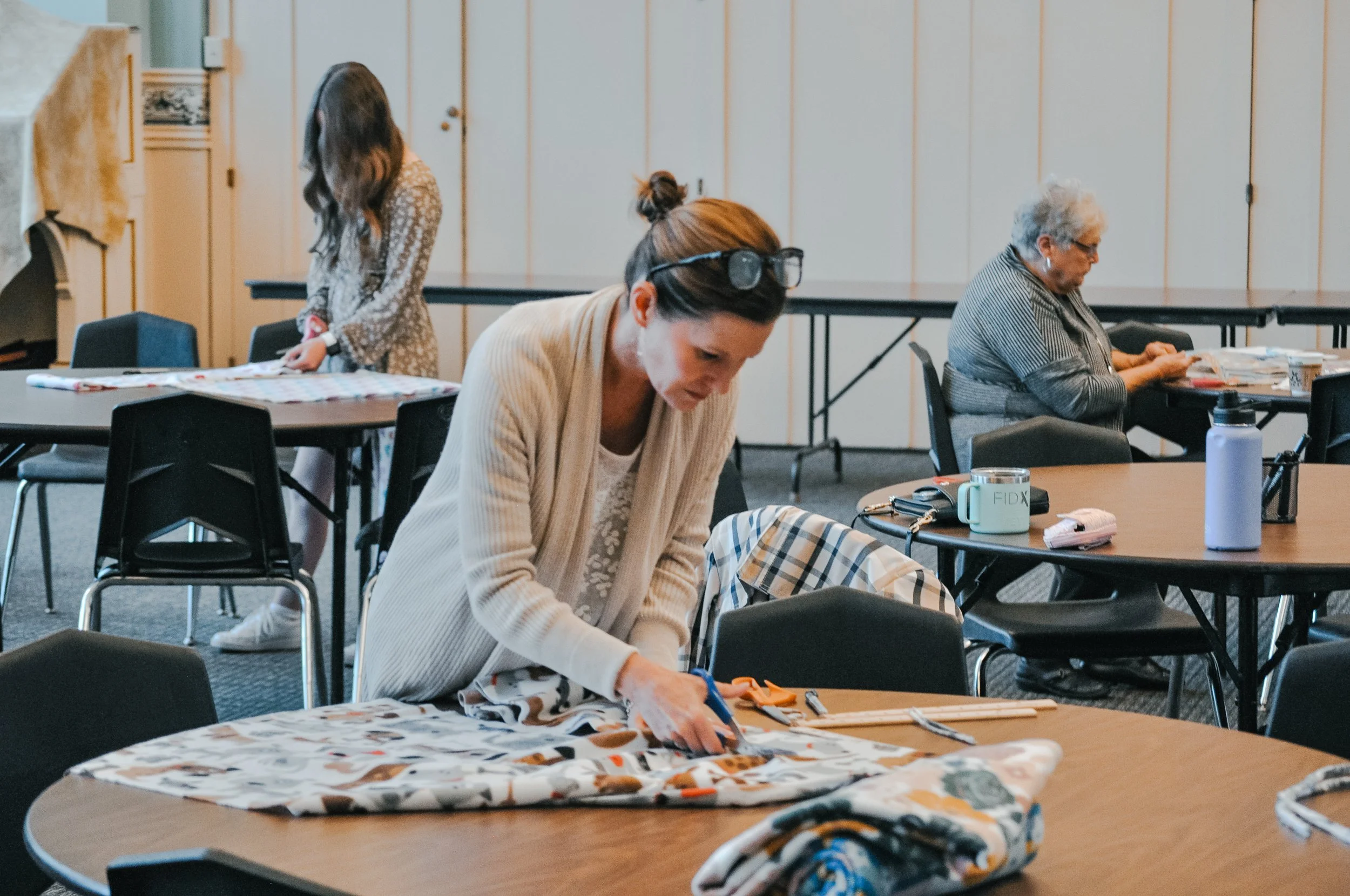
A small group prepares blankets during Hope in Action, a monthly service project partnering with our local community.
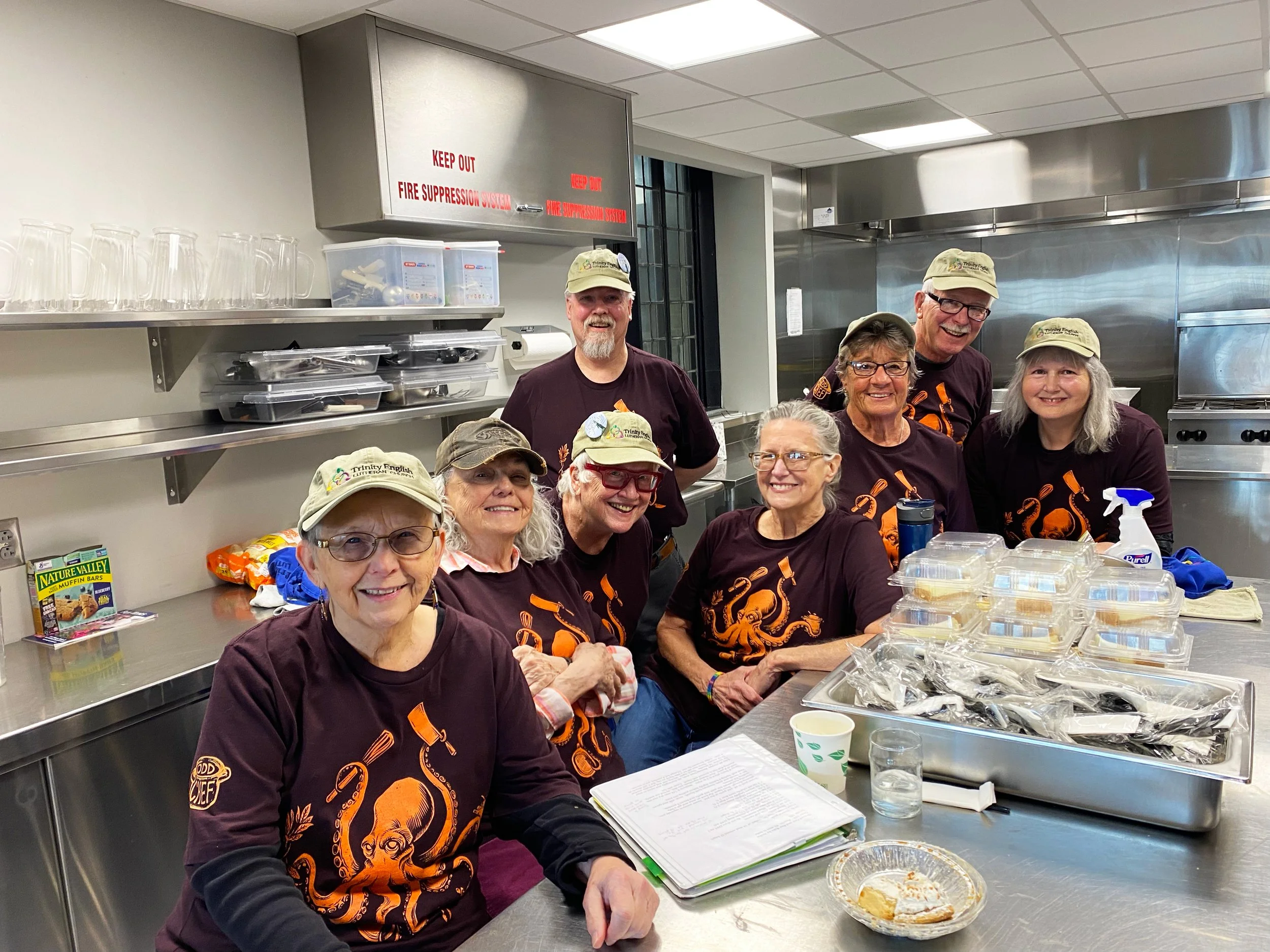
Volunteer kitchen crew for Community Dinner, a free, weekly meal served to our neighbors in need.
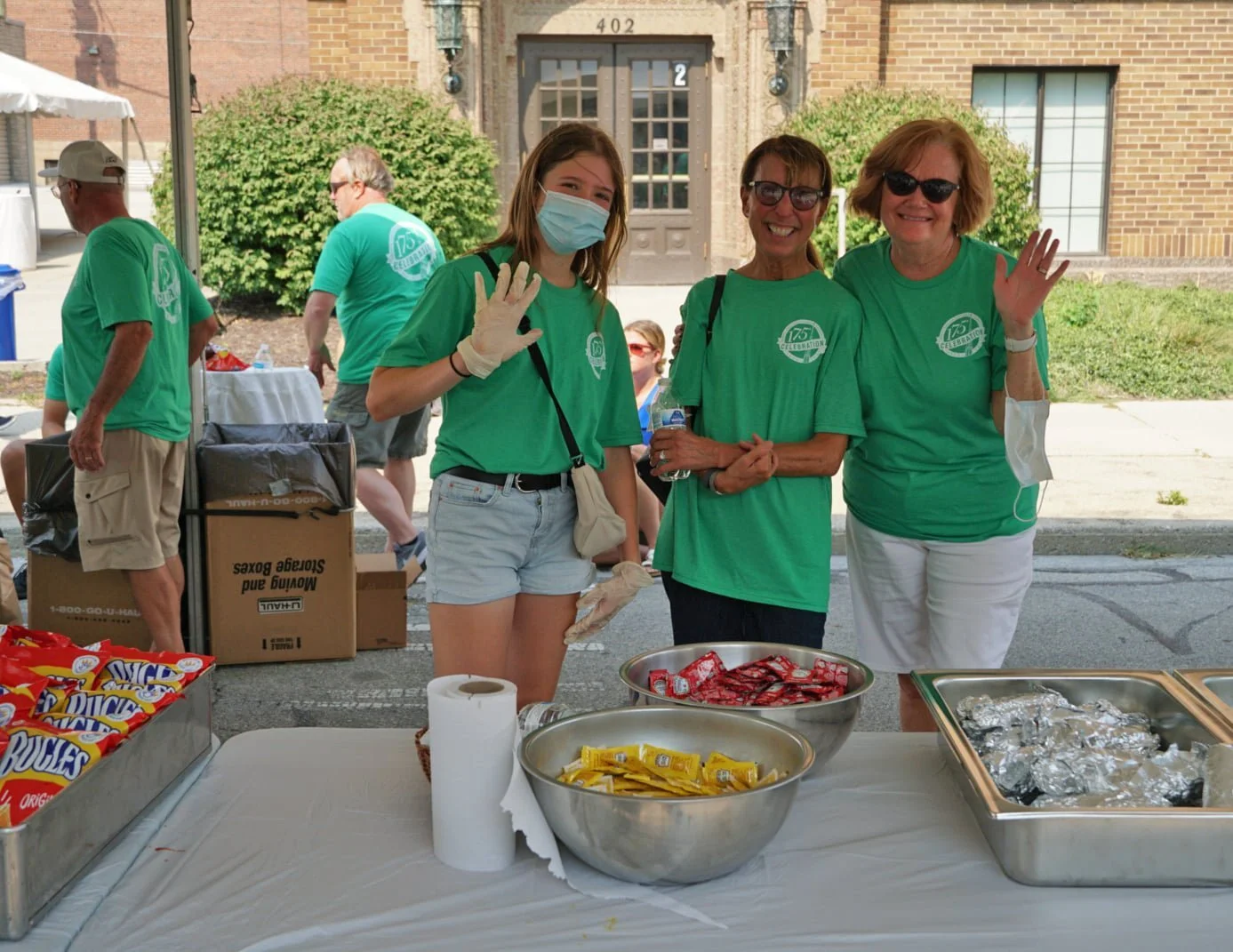
Friendly volunteers are always needed for our special events like Be a Tourist In Your Hometown.